1. We build your booth
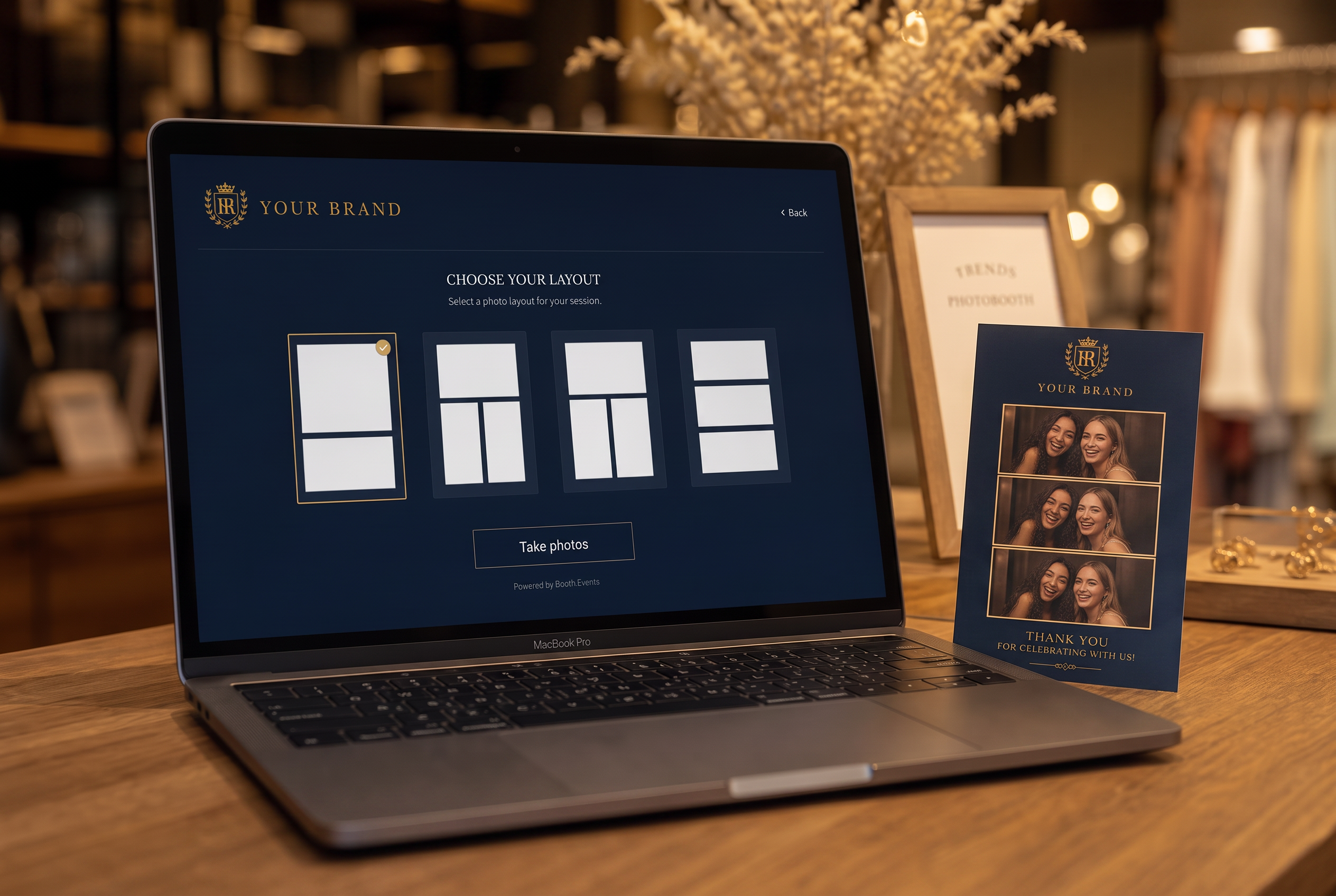
Your frames, your layouts, your wording and your domain, on top of a platform that already runs capture at scale. You see it live with your own branding before anything ships.
How it works
The print is a gift with visit: a branded card the guest gets for free, for a few kroner a guest. It runs on their own phone, backed by one small leased printer, and the only thing you ask in return is that they make and share the content themselves.
The hardest part of user generated content is getting the guest to actually make it. A free, physical, branded print is the cheapest reason there is, and the video version arrives in their inbox ready to post.
Your frames, your layouts, your wording and your domain, on top of a platform that already runs capture at scale. You see it live with your own branding before anything ships.
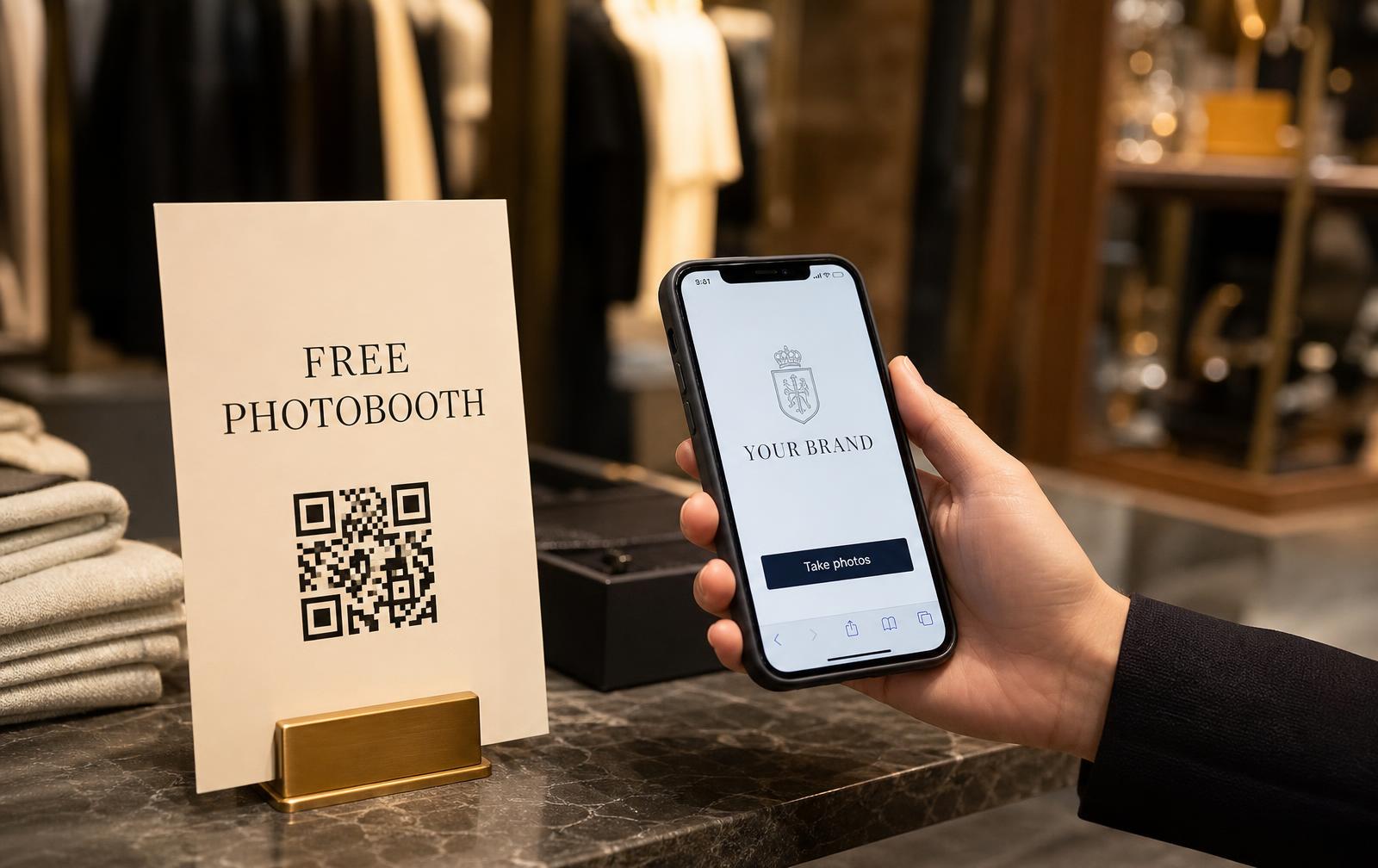
No shell, no host, no tablet to guard. We print the QR card in your branding and put it in a nice photo frame that fits the room. Frames, mirror decals or table cards go up wherever guests already are, they scan, and your branded flow opens in their own browser.
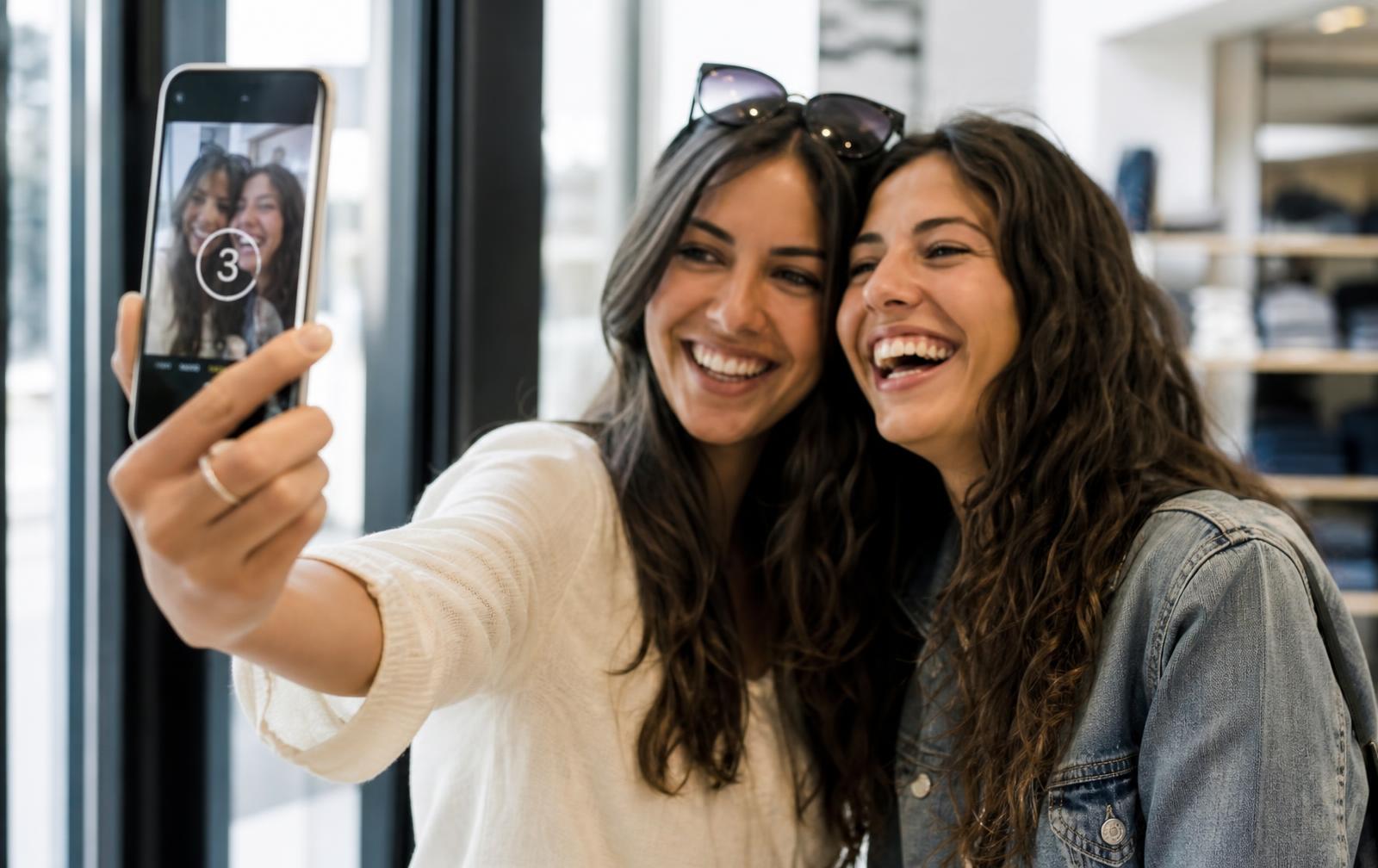
They pick a layout, take three shots and see the result instantly. Because it is their own camera, the content feels like theirs, which is exactly why it gets shared.
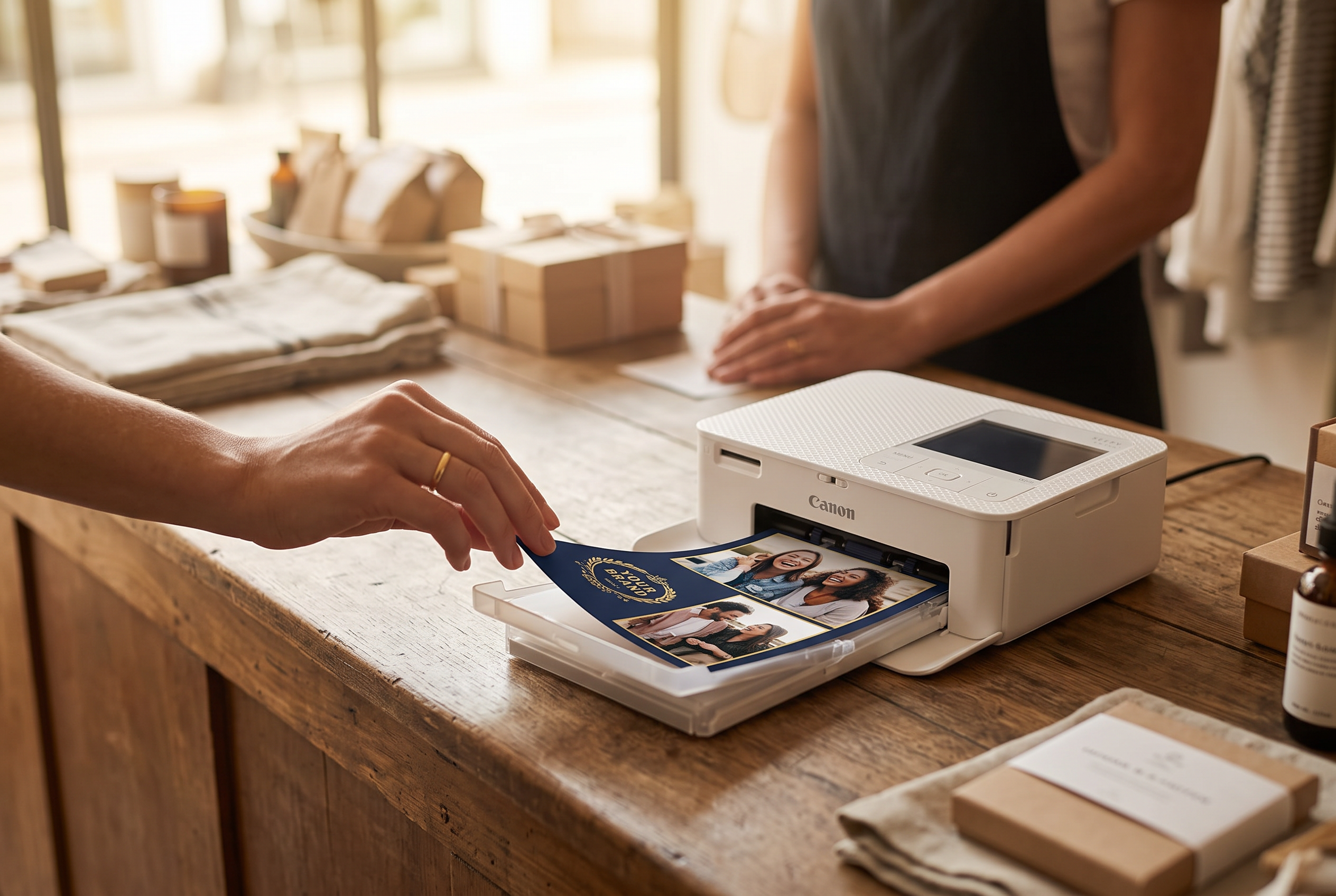
The guest sends the finished card to reception, the bar or the counter, where one small leased printer prints it in seconds. The staff hand it over, or the hotel guest takes it home at checkout. Media refills, monitoring and support are part of the deal.
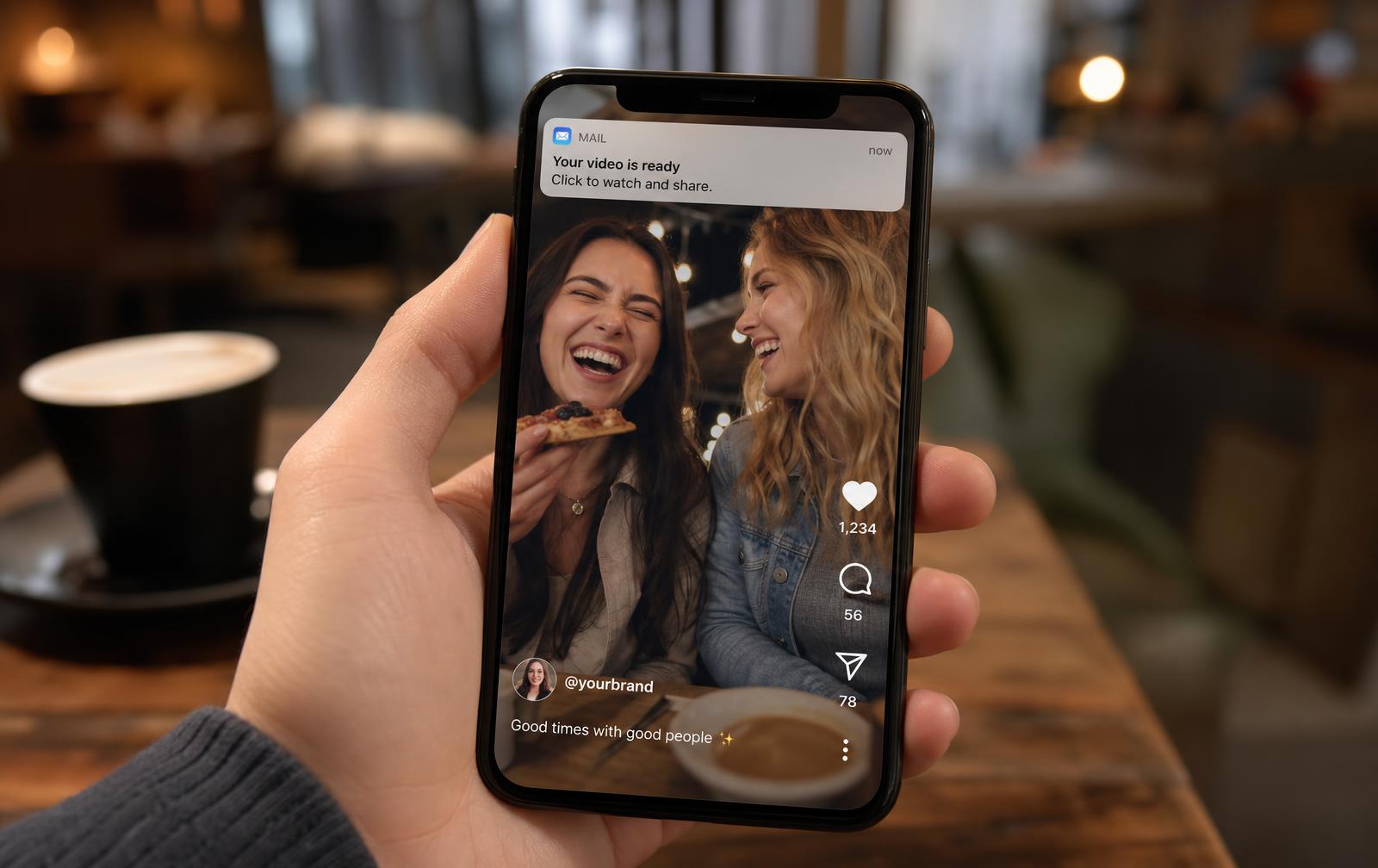
The animated version is delivered to the guest, so you get a consented email address at the happiest moment of the visit, with venue and campaign attached.
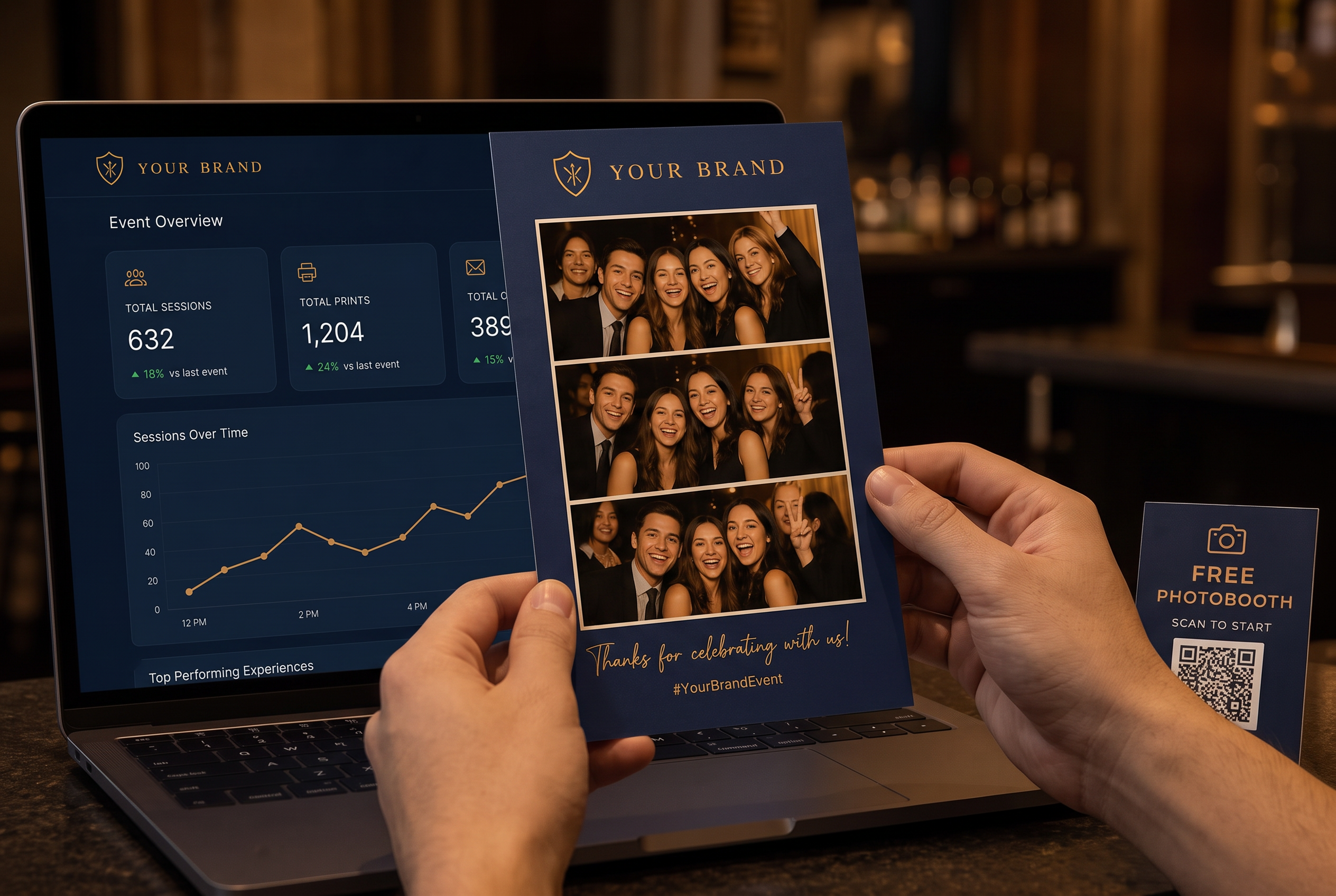
Sessions, prints, opt-ins, shares and content per venue and per campaign, all in one place and exportable as reports.
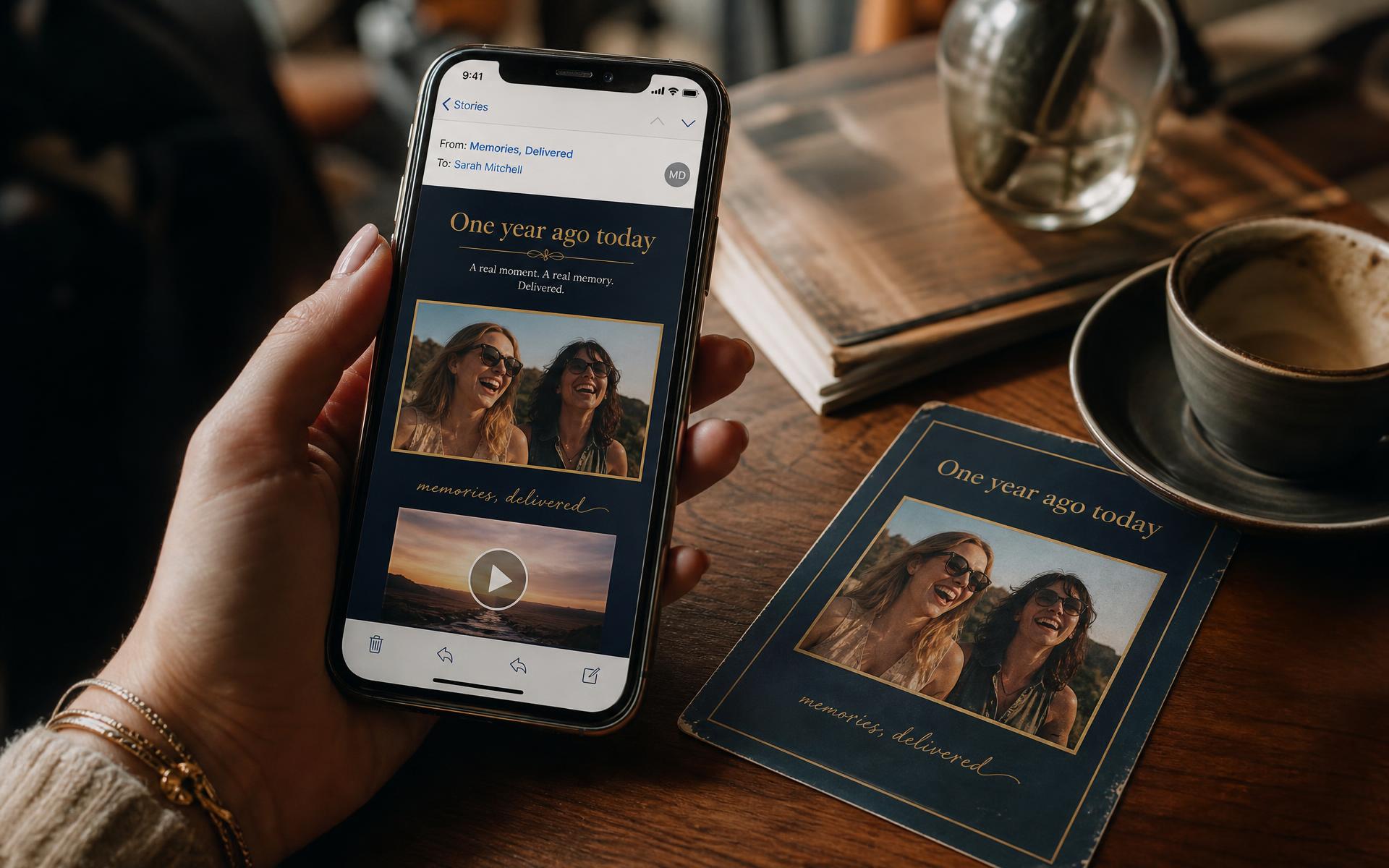
Six or twelve months after the visit, the guest gets their own postcard and clip again in a memory email. A free reason to come back, and a fresh occasion to share it with your brand on it.
AAA credit rated
Highest financial stability rating, so long term booth operations are in safe hands.
CyberVadis certified 2026
779/1000 in an independent cybersecurity assessment covering data and access control.
SMETA 4 Pillar audited
Labour standards, ethics, health and safety and environment, with zero non-compliances.
Weddings, birthdays, company parties and gala dinners get their own version. The hosts pick the design, the guests take small video challenges, and we cut every clip into one little film delivered the day after.
The guest scans a QR code anywhere in the venue, picks a layout such as a portrait trio or a classic quad, and takes the photos on their own phone. They send the finished card to reception, the bar or the counter, where the staff print it on the small leased printer and hand it over, while the video is emailed to them.
No. The whole flow runs in the phone browser, so there is nothing to install and nothing to queue for.
Guests give consent before delivery, opt-ins are stored in your own dashboard and can be exported or synced to your CRM. Image usage rights are approved in the same step.
Yes, when the guest approves it in the consent step. Those approvals are stored with each session.
Pick your vertical and we build a live presentation of your booth before you commit to anything.